Hero Asset, Part 2.5
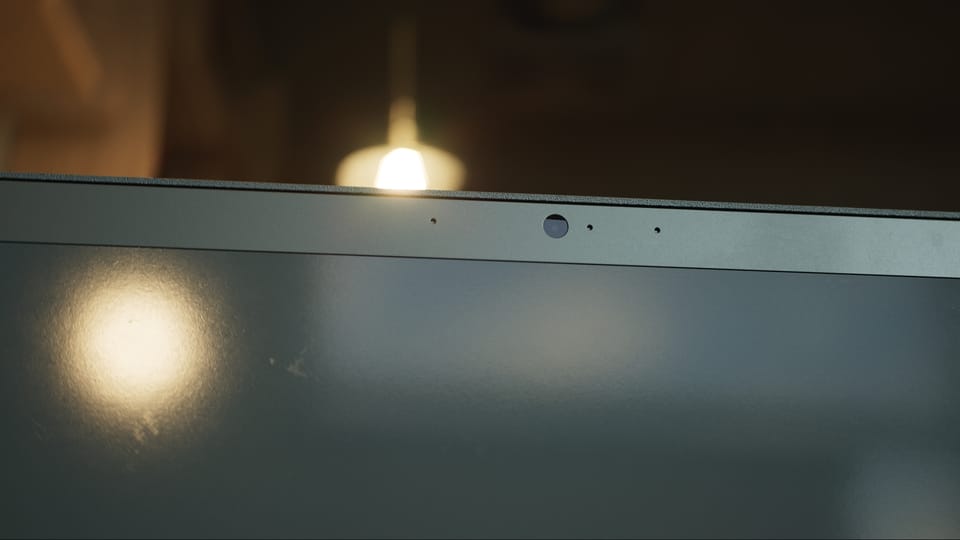
I thought I might try to sell this laptop asset, so I went through the application process on Fab and learned a few things in the process.
Before submitting, I wanted to clean up the control rig. As I covered in a previous post, on the first iteration of the rig I simply followed this guide and built a giant chain of redundant nodes, one for each bone and control.
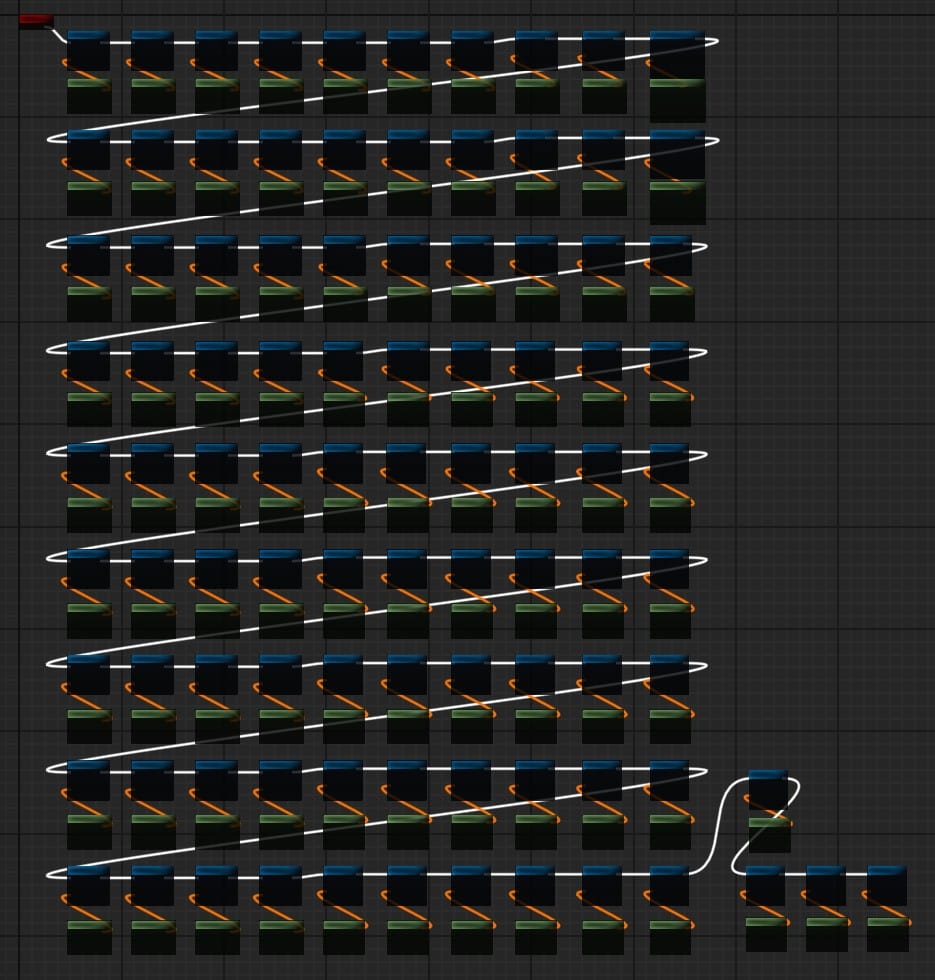
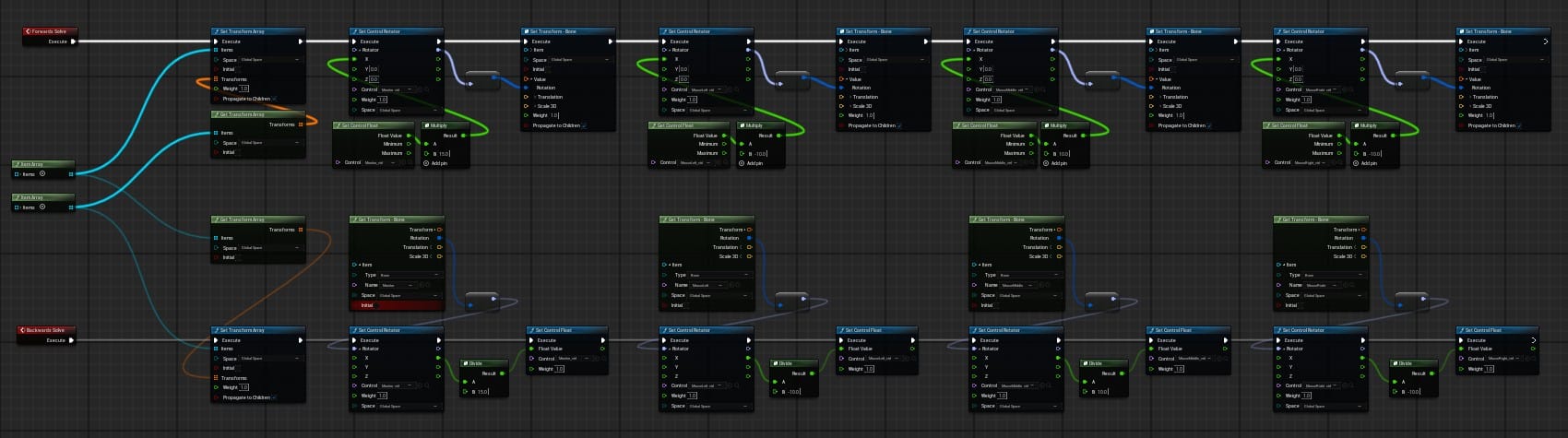
I knew this could be optimized somehow, and I found a way with the "Item Array" node. This let me consolidate 180 nodes into 4.
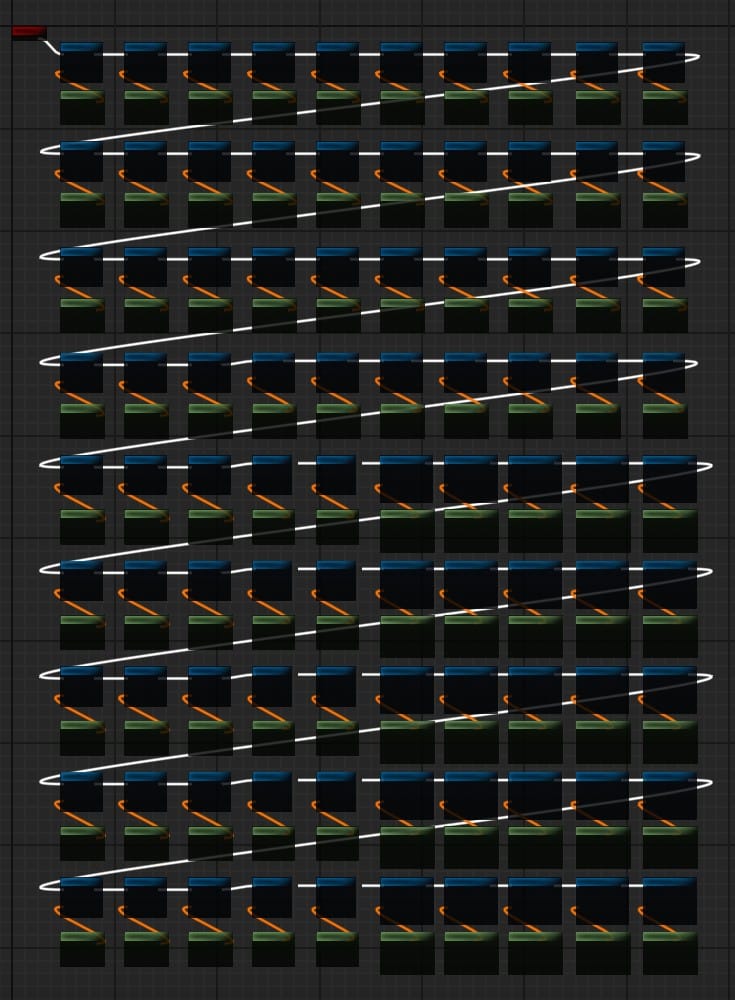
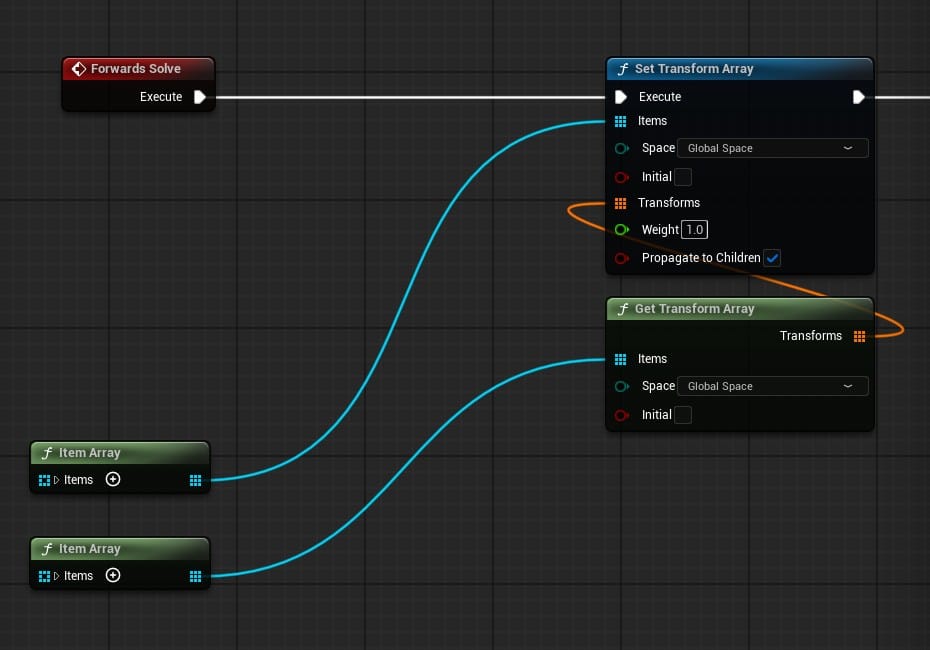
Left: One node for each bone and each control. Right: Using Item Array nodes.
I also modified the controls for the monitor and the three mouse buttons. These all rotate within a limited range on a single axis, but the "Rotator" control felt clunky for this use case. For example, although I could limit the movement of the monitor hinge to only rotate between the open and closed positions, the control itself could be freely manipulated outside of that range.
On top of that, the Y and Z axis controls showed up in Sequencer, even though the X axis was the only one relevant to the monitor hinge.
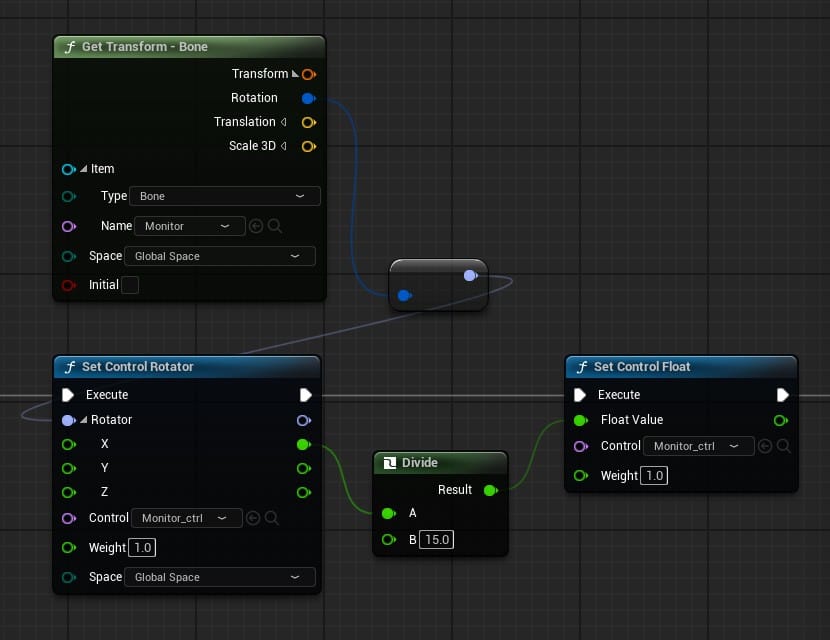
Instead of the Rotator control, I wanted a simple slider that the user could drag back and forth to open and close the monitor. So, I made a "Float" type control that could move between -6 and 6, and I used these nodes to translate that value into a rotation degree between -90 and 90:
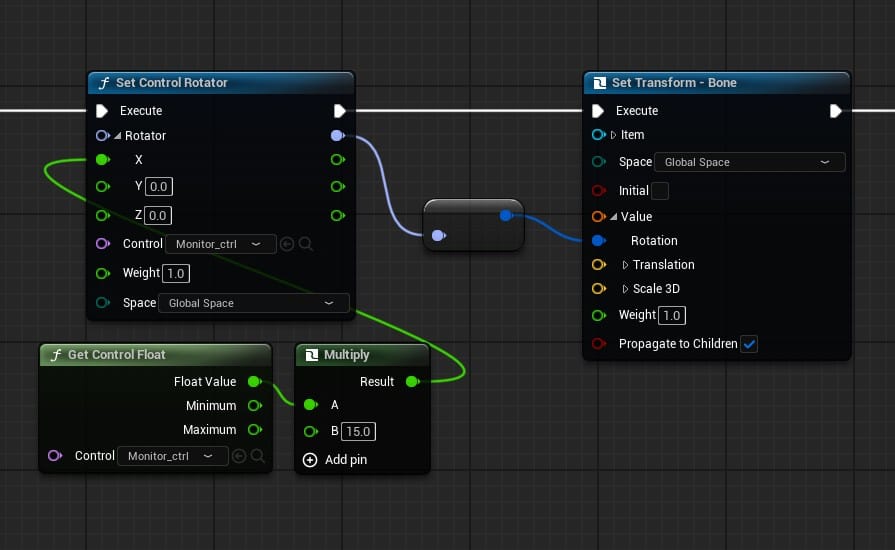
I don't know if this is the proper or best way to do this, but it works. I applied the same logic to each of the three mouse buttons.
I also added a Backwards Solve pass for the rig. I'm not sure if the people who end up using this asset will need to bake any animations onto it, but it's there just in case. These are the nodes for the backwards solve of the monitor control, to translate the rotation degree back into the slider control's float value:
In summary, I still know almost nothing about control rigs, but at least I got the monitor and mouse button rotation sliders to work, and the rig evolved from an unfortunate-looking stack of redundant nodes into something cooler (in my amateur opinion):
Plugins?
The first time I submitted the laptop to Fab, the Unreal Engine project file got rejected for having unnecessary plugins enabled. I was confused, because this was a fresh project with only the laptop asset in it and I hadn't enabled any plugins.
The problem was the project template I chose. Since I call myself a filmmaker, I've always used the "Blank" template in the Film/Video & Live Events category. Apparently, this template has a ton of virtual-production related plugins enabled that I was never aware of. I had to use the Blank template from the Games category instead.
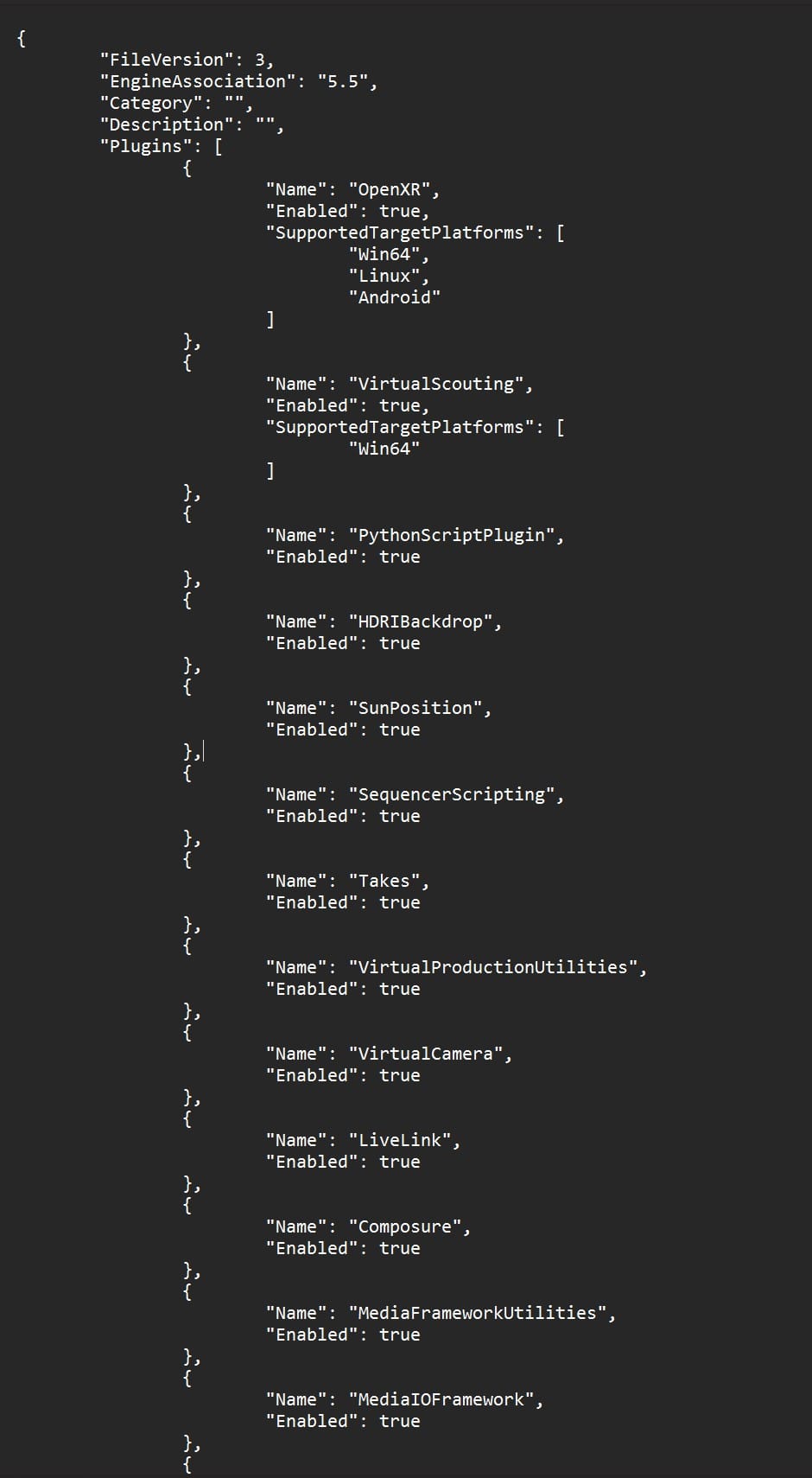
I also learned that an easy way to check for the plugins a project has enabled is to open the .uproject file in a text editor. The "Film" Blank template's plugins run off the page, and the "Games" Blank template has only one:
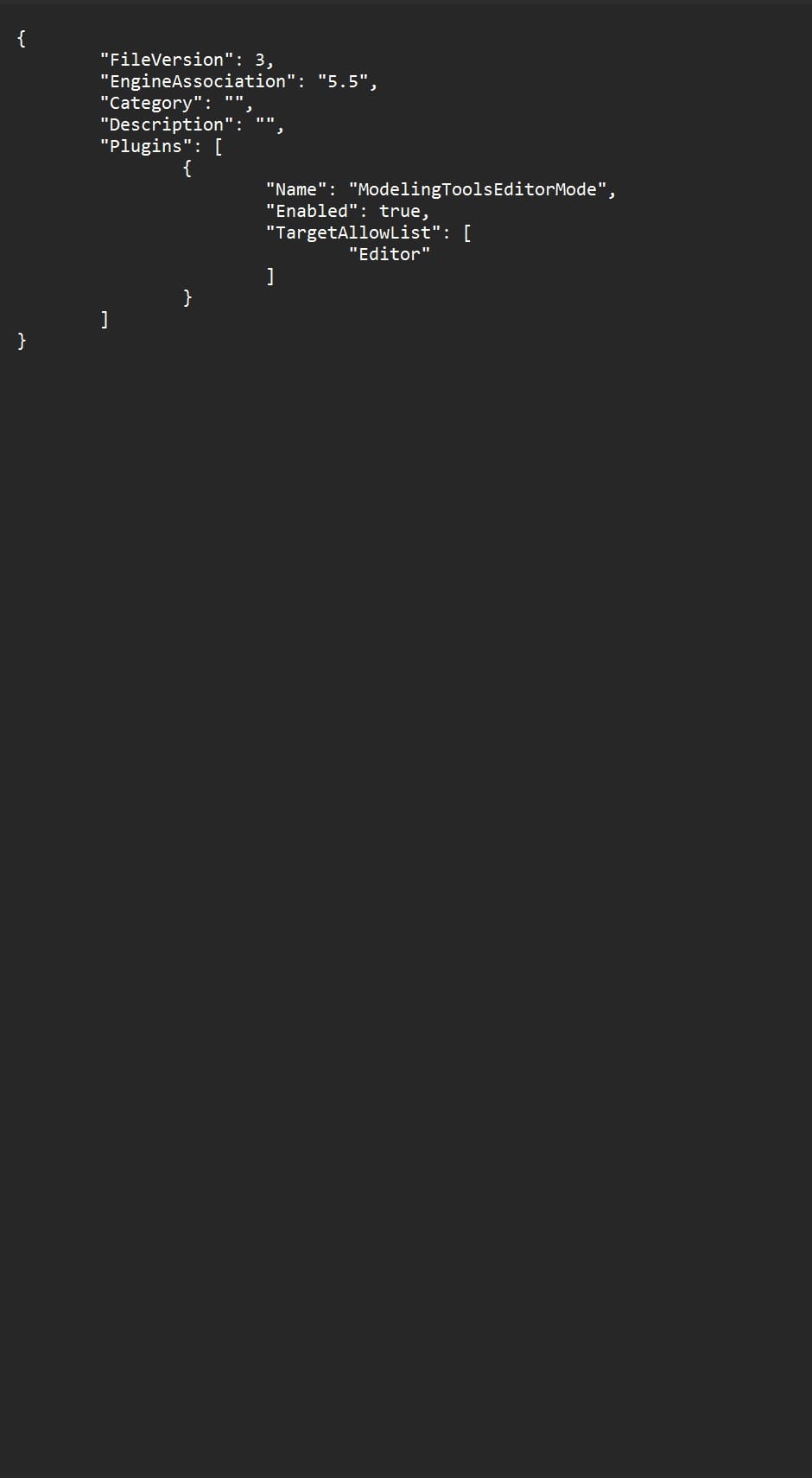
I disabled the lone "Modeling Tools" plugin and that seemed to do the trick.