Detour into Latent Space
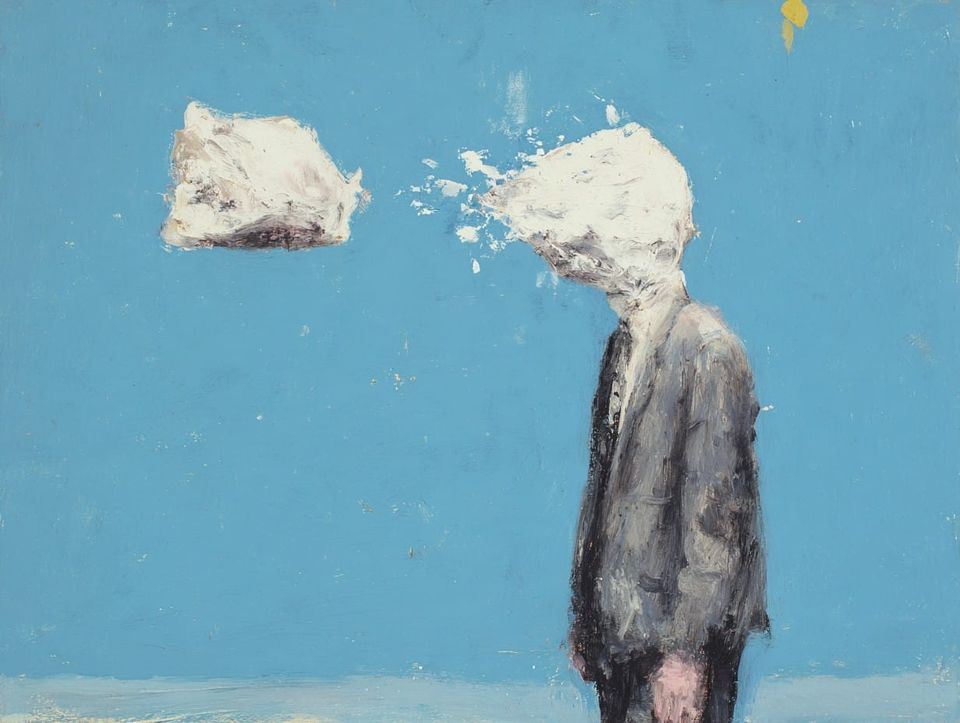
I'm plugging away at this project during a time when video production is rapidly changing. I had the script and the shot list for Sub/Object locked down years ago. But since then my plan has changed from a live-action shoot to a 3D production, and now there's another looming paradigm. I see a growing possibility that some or all of the movie's shots will be generated with AI.
As of today, I'm not sure if AI tools are quite good enough to create the shots I need. But my hunch is that with enough finagling, they could be. And, I think over the course of this year it will only get easier. A recent omen was the 20-minute movie The Patchwright. Granted, I don't think Patchwright is a good movie. But, it is the first AI-production I've seen to reach this level of coherence. The scene at the 7-minute mark actually kind of, occasionally, feels like a real dialogue between two characters:
I should point out that The Patchwright isn't purely an AI creation. They used real voice actors, which is crucial. I also gather that many of the shots involved extensive compositing. The team had to use traditional editing software to stitch together the raw outputs from a dozen AI tools. We are still a long way from the movie-genie I imagined in a previous article.
Still, I decided it would be worth it to take a thorough look at the AI tools available, and see if or how I might use them on my own project.
Learning What to Learn, Again
There are dozens of companies and organizations putting out image and video generation tools/models. There are also tools for generating music and people's voices, which might be relevant to movie making, but I'm focused on image and video, for now.
I quickly learned that there are too many gen-AI models to keep track of. This page has a long list, organized by type, but even this list isn't exhaustive. Most models of a given type, like image models, have similar functionality and only subtle differences between their outputs. Some models are faster or less expensive, some can generate 4K resolution and some can't, some excel at certain aesthetics. There is enough overlap between the models' features that I can probably ignore most of them, but I assume I'll have to dabble in several as I figure out my process.
Some models are open source, meaning I could download them for free and run them on my home computer, assuming my hardware is powerful enough. If I want to use a model that my computer can't handle, there are cloud-based services that will charge a fee to run my requests on their machines. Flora AI is one such service that I experimented with, and the list I linked above has all the models available on their platform. Some generative tools, like the most powerful ones provided by OpenAI or Google, are not open source or available to be run locally, regardless of the hardware. However, services like Flora AI can act as a middle man and offer access to these tools as well.
Because there is no single model that can solve every problem, and professional workflows involve hopping between a variety of tools, one of the main selling points of a cloud-based service like Flora AI is their browser interface, where the user can access dozens of AI models in one place and chain the outputs from multiple models together.
For example, a common method for video generation involves providing a model like Seedance 2.0 with two images (a start frame and an end frame) plus a brief description of the video I want to see. The model then creates a video that bridges the start/end frames I provided, while following my description as best it can. This guide shows an example of this method:
The start and end frame images can come from anywhere, but what if I wanted to create them with AI? I might use a different model, say Google's Nano Banana Pro, to make those images, and I could access it through Flora AI's interface the same way I accessed Seedance 2.0. I would add two image-creation nodes, feed them each a text description, and link their outputs directly to the node for Seedance 2.0.
This simple workflow would look like this:
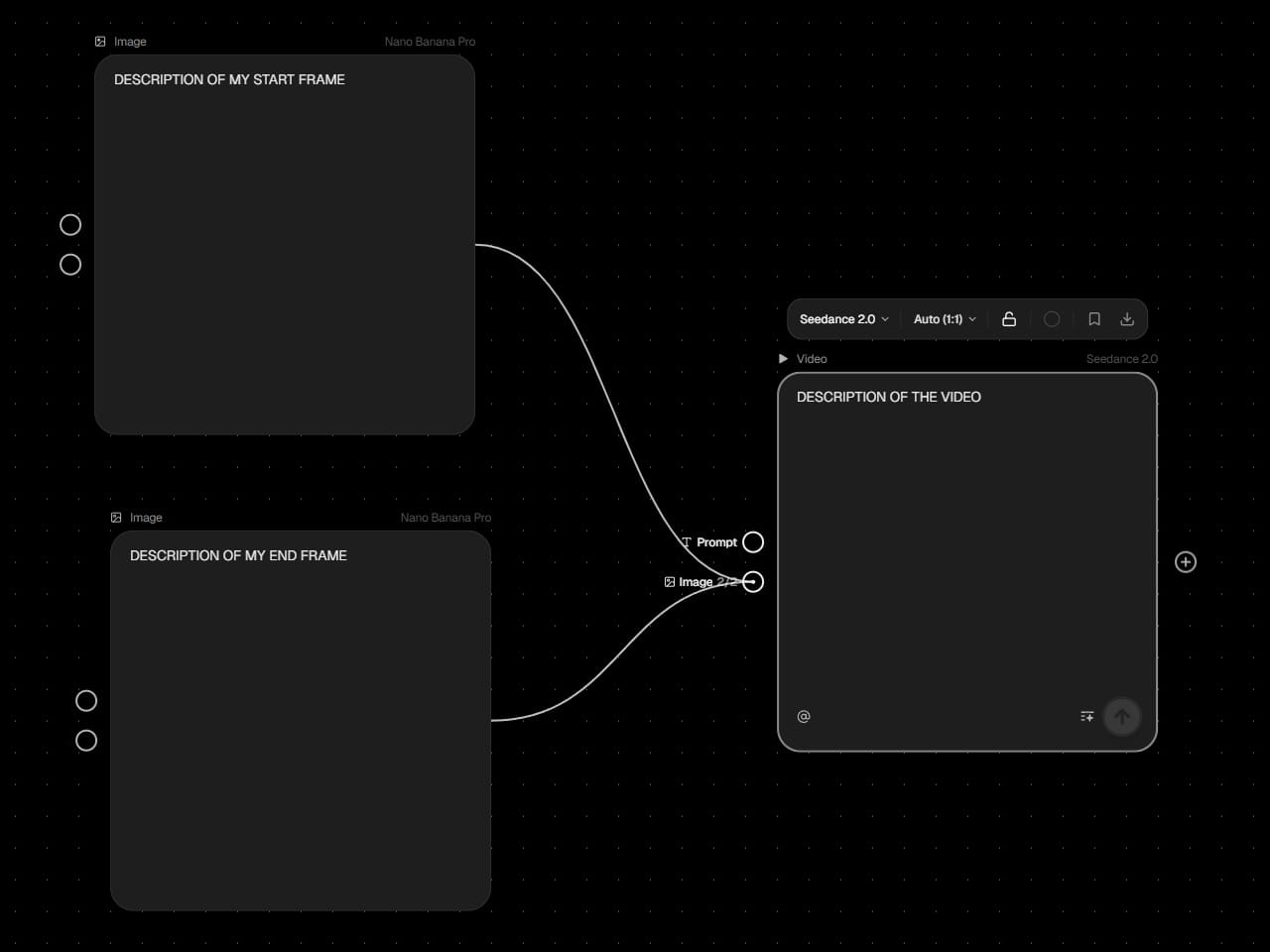
One benefit of these node-based platforms is that the tedious work of moving data between different models is automated. If I were to change the prompt for the start-frame generation node, Flora AI could automatically send the new image to the Seedance 2.0 node and generate a new video. With more complex workflows this can save a lot of time.
ComfyUI
ComfyUI is a node-based workflow platform similar to Flora AI, but it is open source and runs locally on a home computer. If I were to exclusively use open source models through ComfyUI, the only cost would be the electricity required to run my GPU.
ComfyUI is built for more technical users, and it exposes many more of the models' parameters. This is a simple text-to-image workflow in ComfyUI:
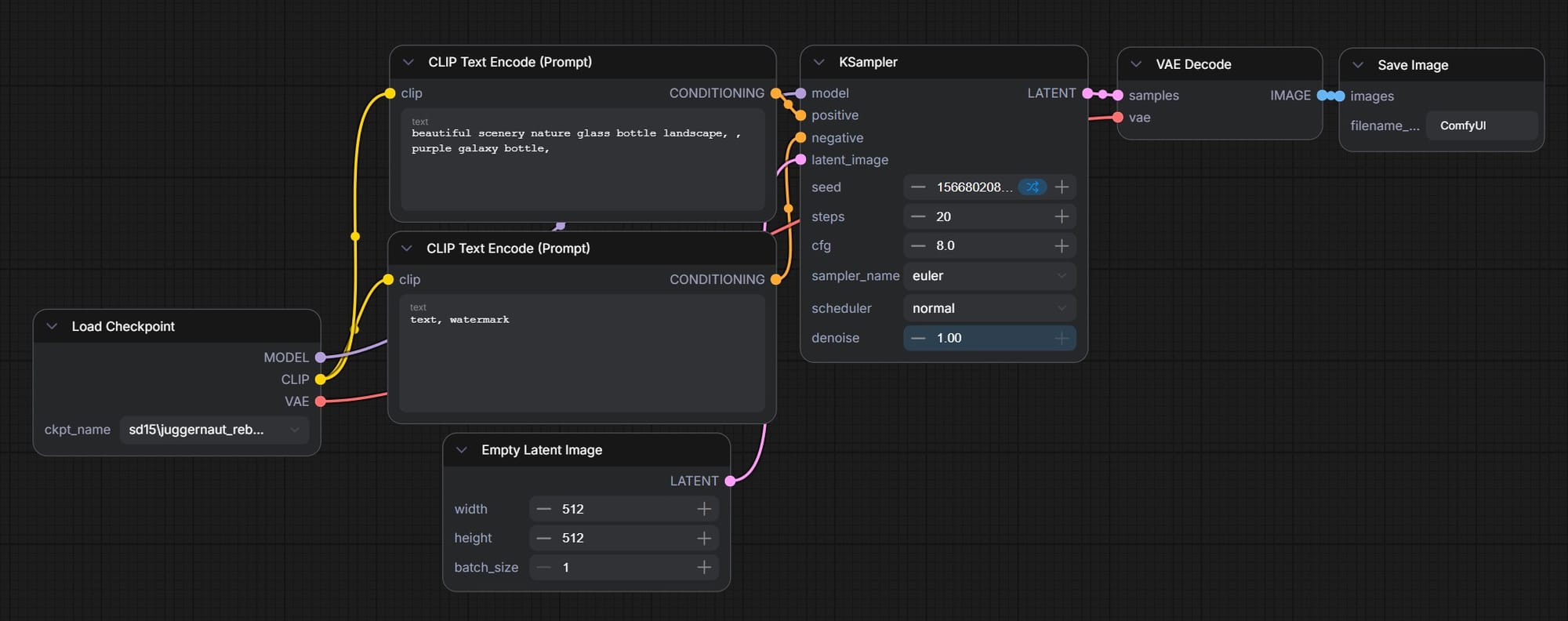
This seven-node workflow takes a text prompt as an input and outputs a single image. In the Flora AI workflow above, three nodes was enough to prompt two images and a video.
Of course, each of those additional nodes in the ComfyUI workflow provides extra opportunities to modify the workflow to fit my needs. I found it to be quite powerful, and recent open source image-gen models like Flux 2 Klein are impressive.
As a complete beginner, this five-hour tutorial from pixaroma was helpful:
I also pulled a lot of good information and workflows from these three additional (much shorter) videos from pixaroma:
- AI Image Editing in ComfyUI: Flux 2 Klein
- How to Upscale Images in ComfyUI
- ComfyUI for Image Manipulation
ComfyUI also has "API Nodes," which allow access to high-end models like Nano Banana Pro or GPT Image 2.0. These do not run locally and require credits purchased from Comfy.org, but they can be chained together with locally-run models in one workflow.
So, with ComfyUI I can run open models for free and also access the paid models. Why use a platform like Flora AI?
- For the high-tier models, the prices on both platforms are similar.
- With ComfyUI, running an open model like Flux 2 Klein on my own hardware is free, but not particularly fast. My RTX 4090 GPU can handle it, but I'm bottle-necked at one concurrent generation. On Flora AI, Flux 2 Klein isn't free but it's quite cheap, and I can kick off multiple generations at once.
- Also, Flora AI has a curated list of models, prepped and ready to run. With ComfyUI, I need to research the models myself, making sure they fit my needs and are compatible with my workflows and my computer's specs.
These are my first impressions. I haven't used either platform extensively, and as I experiment more, I might decide I prefer one over the other.
Final note: there is also a cloud-based version of ComfyUI, called ComfyCloud, that functions like Flora AI. They provide the interface as well as the compute, and every generation has a fee. I haven't tried ComfyCloud yet.
The Midjourney Aesthetic
Midjourney is a different animal. It has its own web interface and subscription plans, and isn't available through services like Flora AI or ComfyUI. Midjourney offers video generation as well as image generation, but my impression is that the video generation tool isn't as powerful or popular as the image generation tool.
Compared to other prominent image-generation models, Midjourney has a reputation for being worse at following instructions and better at creating beautiful images. I encountered the same behavior on a previous project, when I used Midjourney, Nano Banana Pro, and Kling AI to make images of a strange, monstrous computer rack that I wanted to turn into a 3D model.
On that project, both Nano Banana Pro and Kling AI were more responsive to specific instructions, like "give me a closeup of the middle shelf of the computer rack." Both models understood and isolated the correct spot, then filled in extra detail while preserving the features of the wide shot. In response to the same prompt, Midjourney would just generate a completely new computer rack.
However, all my "master" images ended up coming from Midjourney. It consistently produced a bizarre, fascinating style that I couldn't get out of Nano Banana or Kling. So, with Midjourney I established the overall look of the scene, and with the other tools I got the closeups I needed.
Based on this experience and my impression of how other people are working, my broad vision for how I might use AI on this movie is to create style-reference images in Midjourney, use Nano Banana/GPT Image/Kling to edit those images, like adding characters or specific objects to the scene, and then send those final images to a video model like Seedance 2.0 to create the actual shots that I will edit and color-grade in DaVinci Resolve.
We'll see. The AI space is volatile, and as I dig in my plan might completely change.
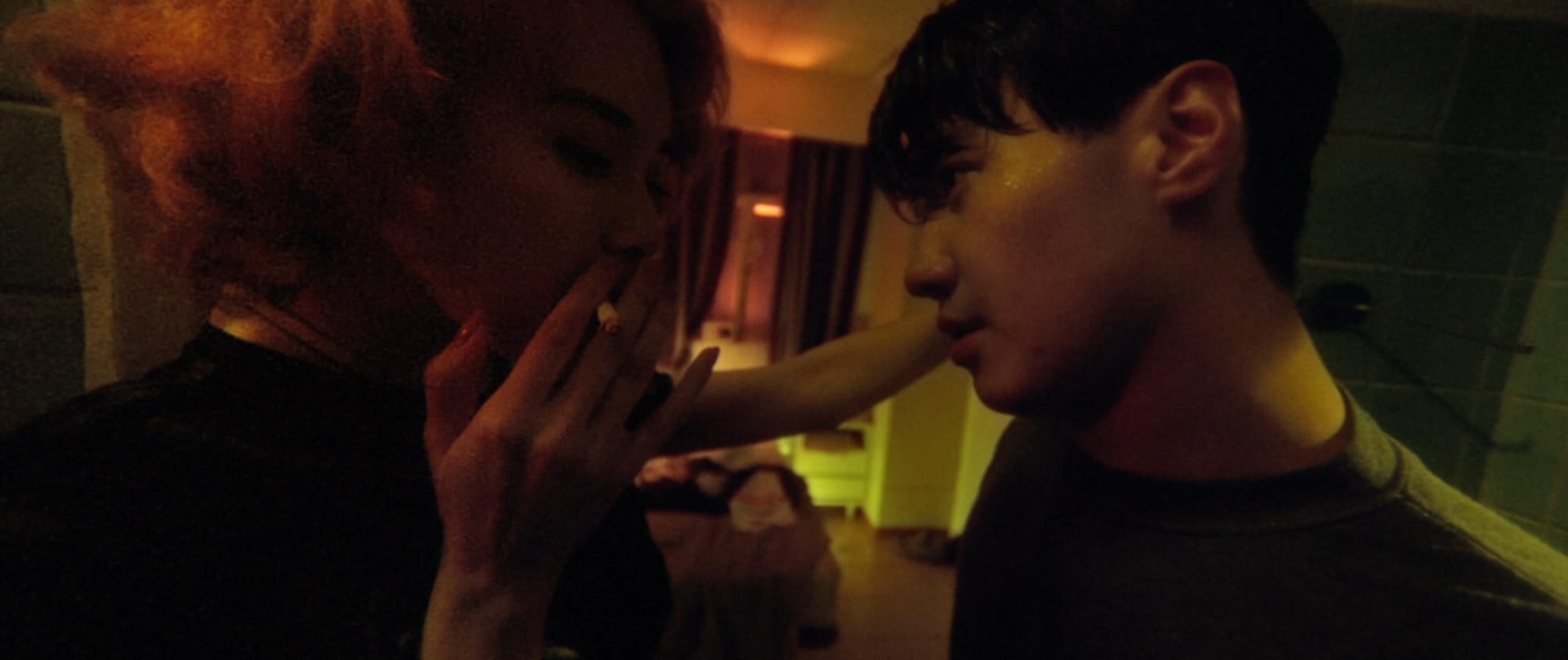
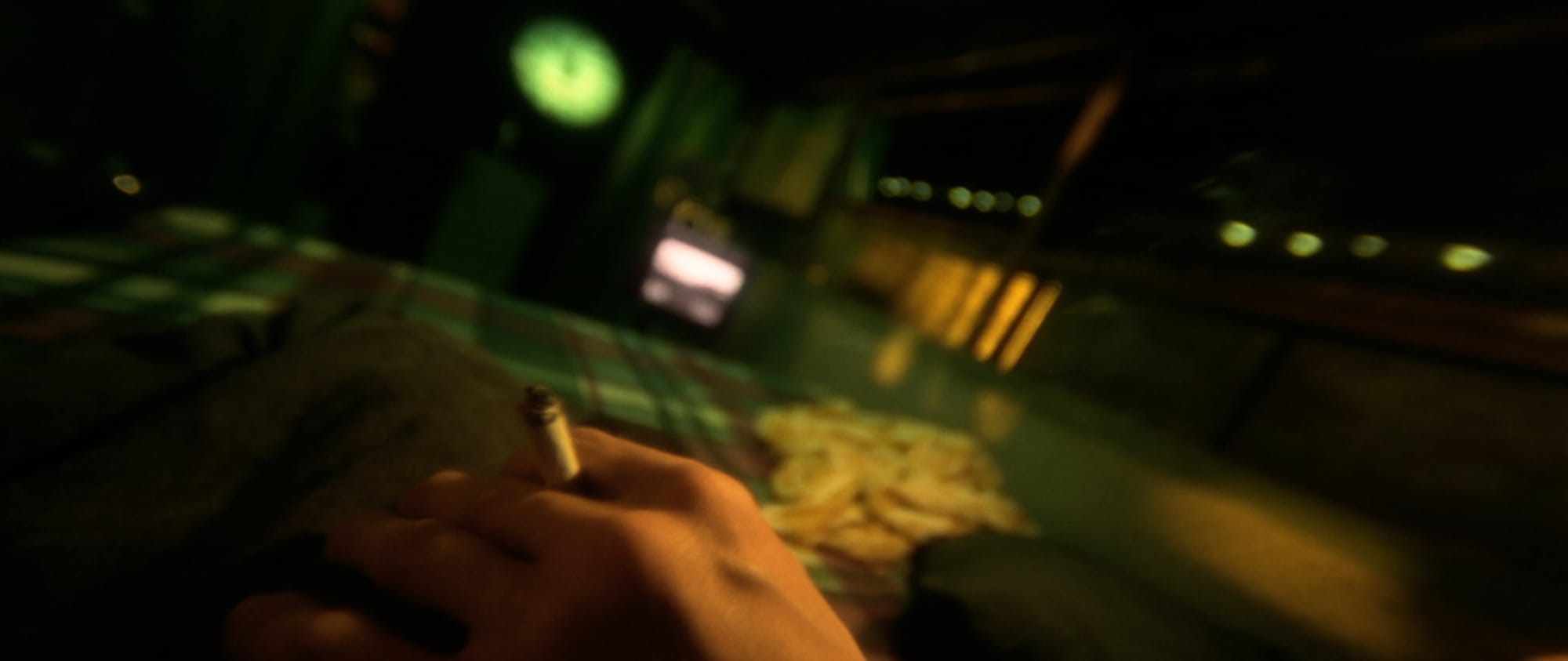
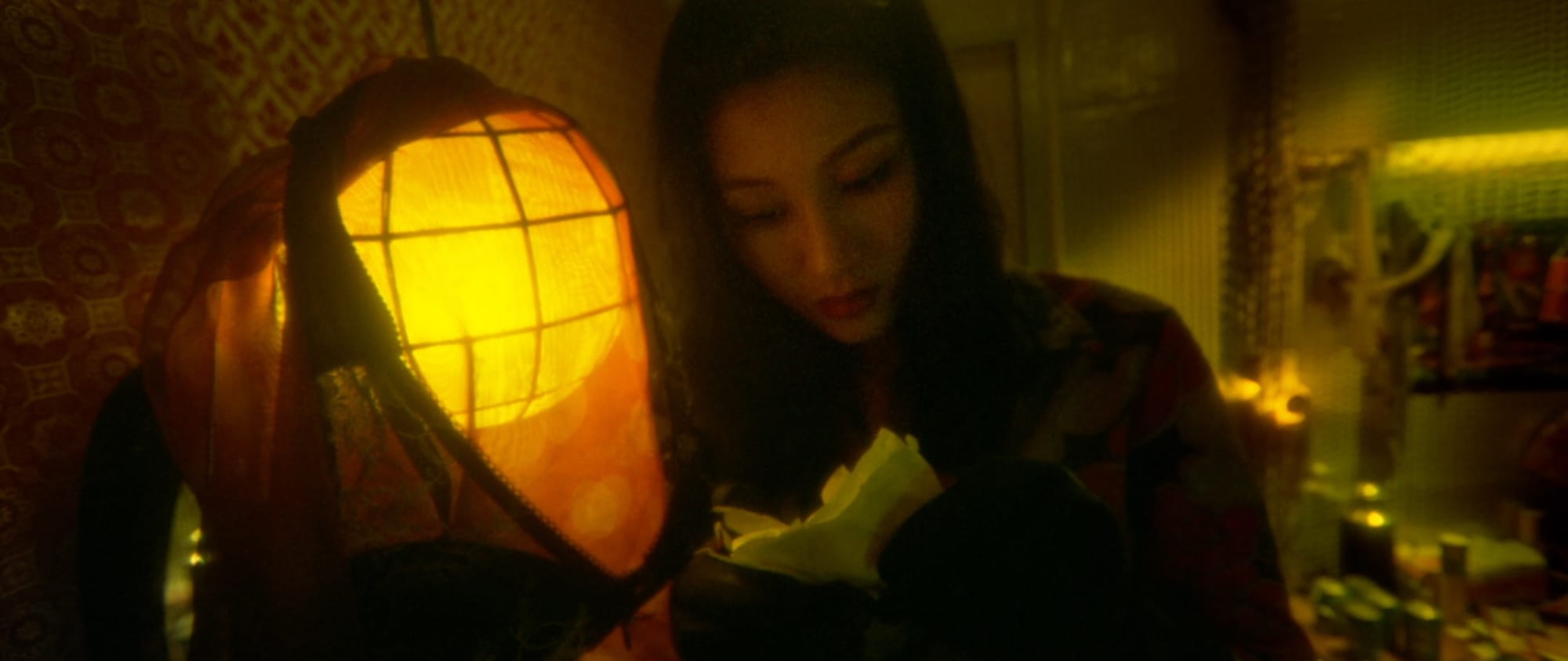
I spent some time playing with Midjourney, trying to get a sense of how I might find a specific aesthetic for Sub/Object. Like a boring film student, one of my first experiments was to try and recreate the style of Wong Kar Wai's movies.
Midjourney has a feature called "Moodboards." I uploaded about ten stills from the movie Fallen Angels to create the Moodboard. Here are four of them:
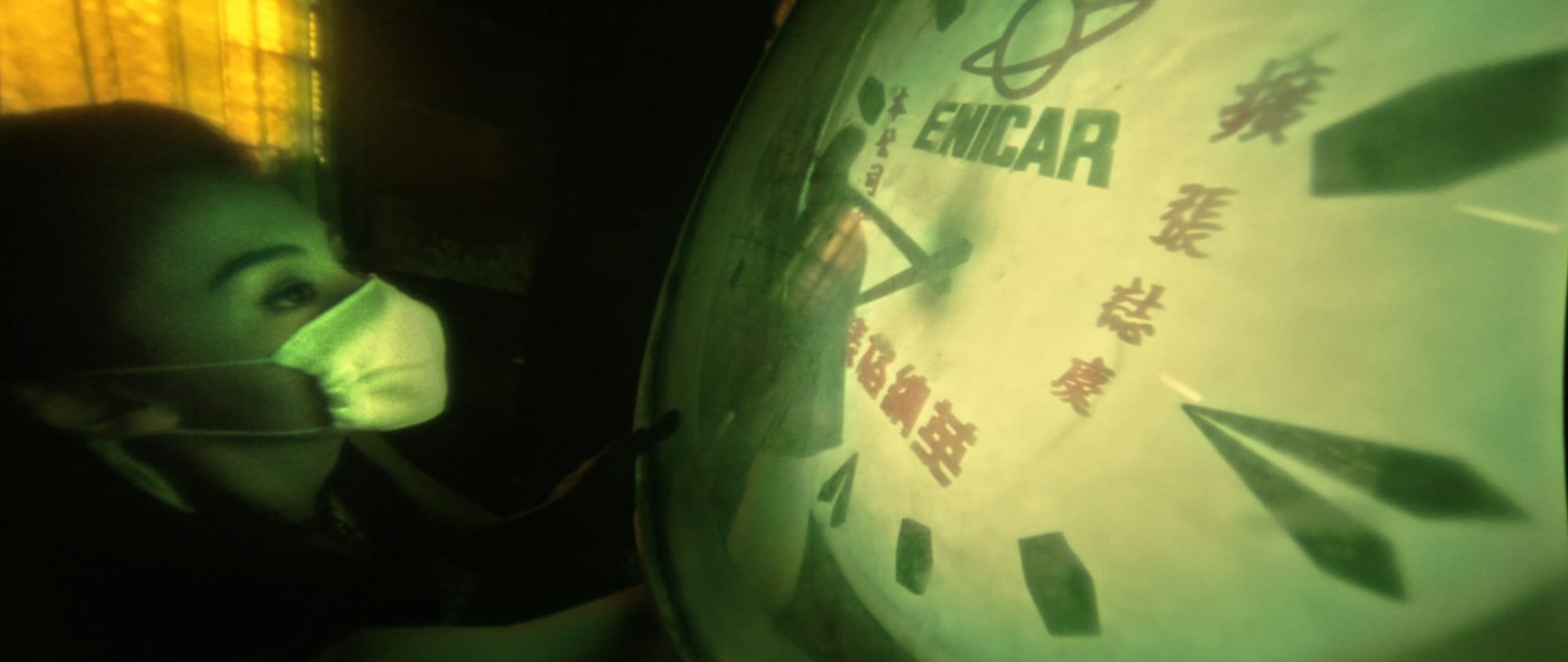
Because I only wanted to see how Midjourney would interpret the Fallen Angels style, I didn't include any particular scene description. I prompted it with only the Moodboard and "." in the text bar. The results were interesting, but not what I expected:
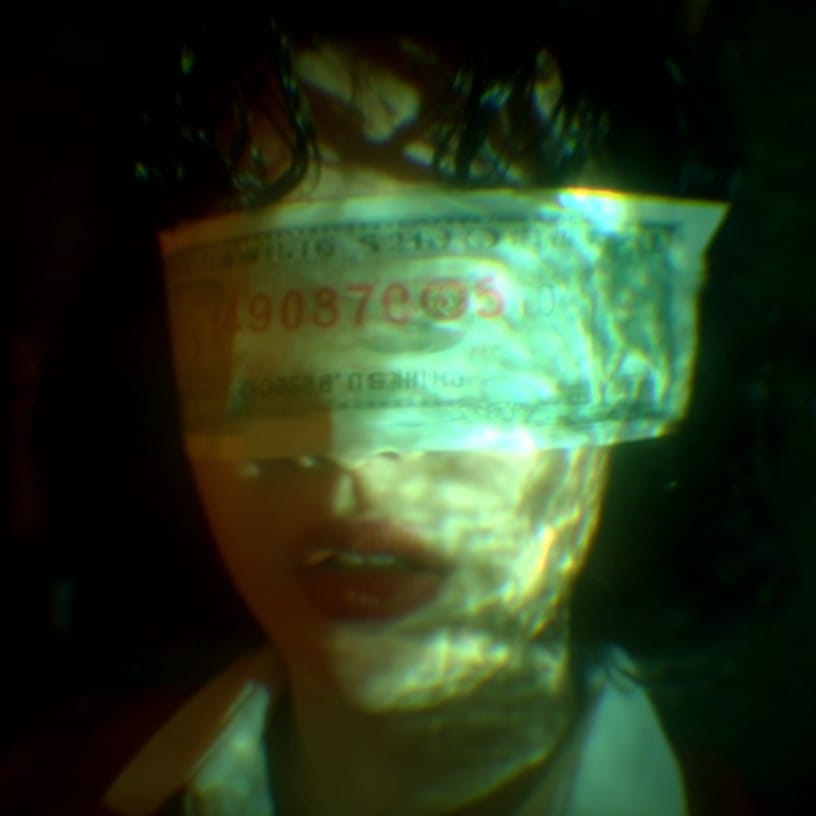
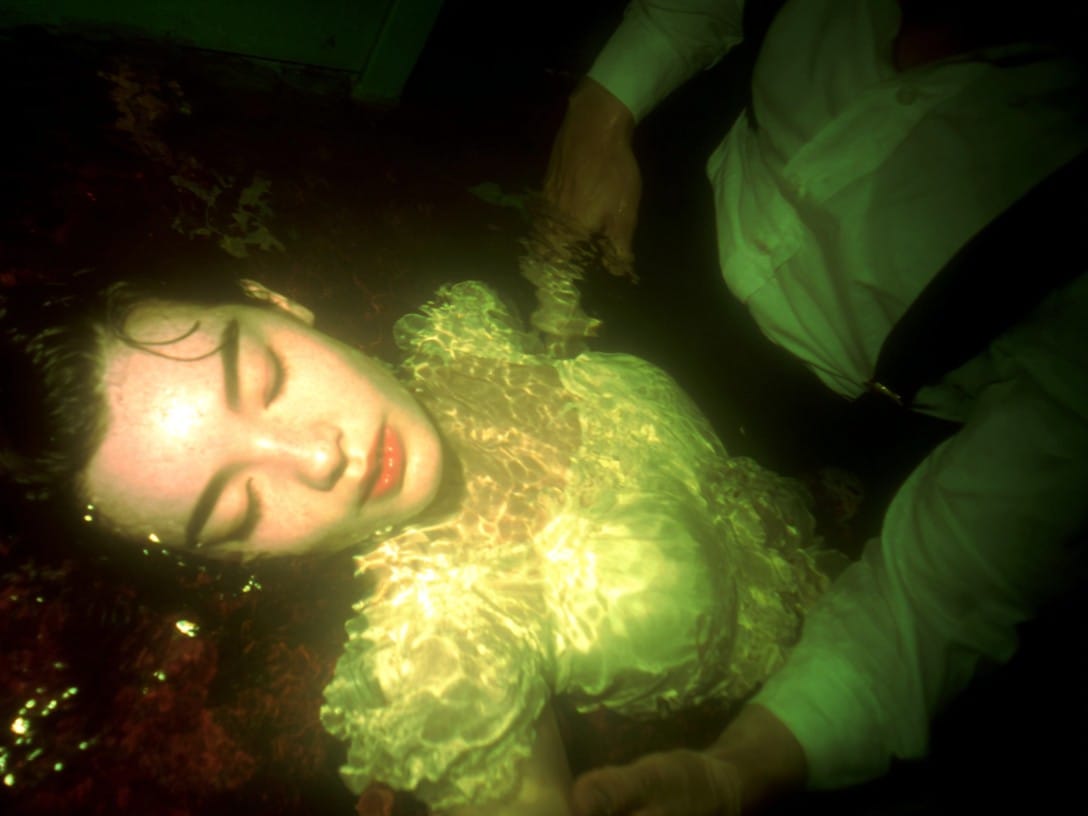
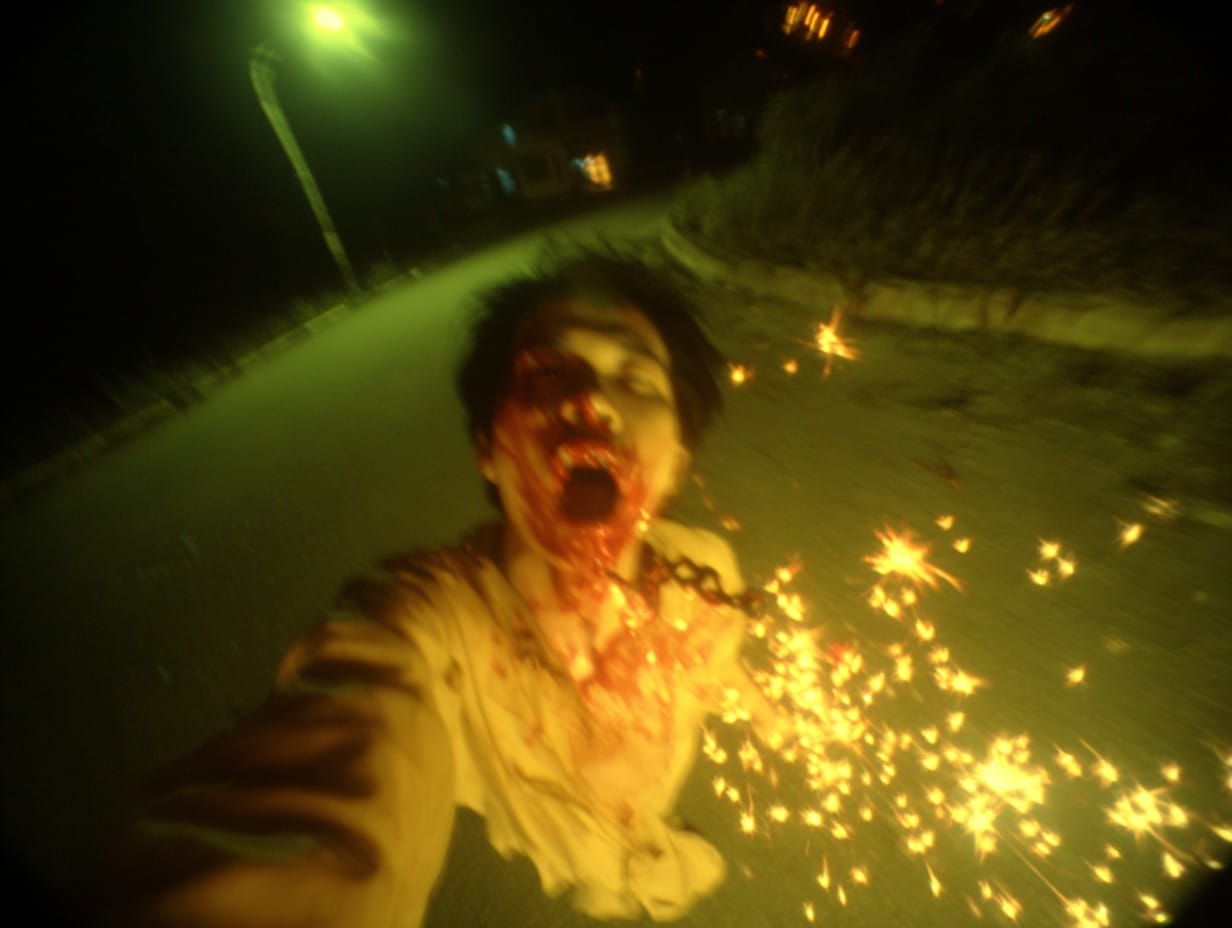
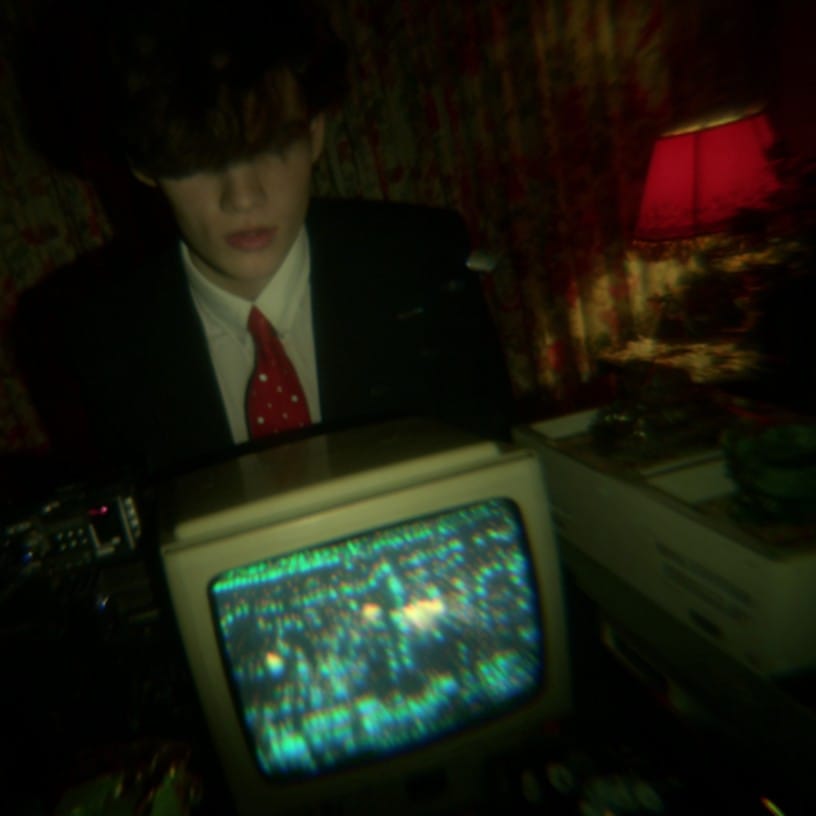
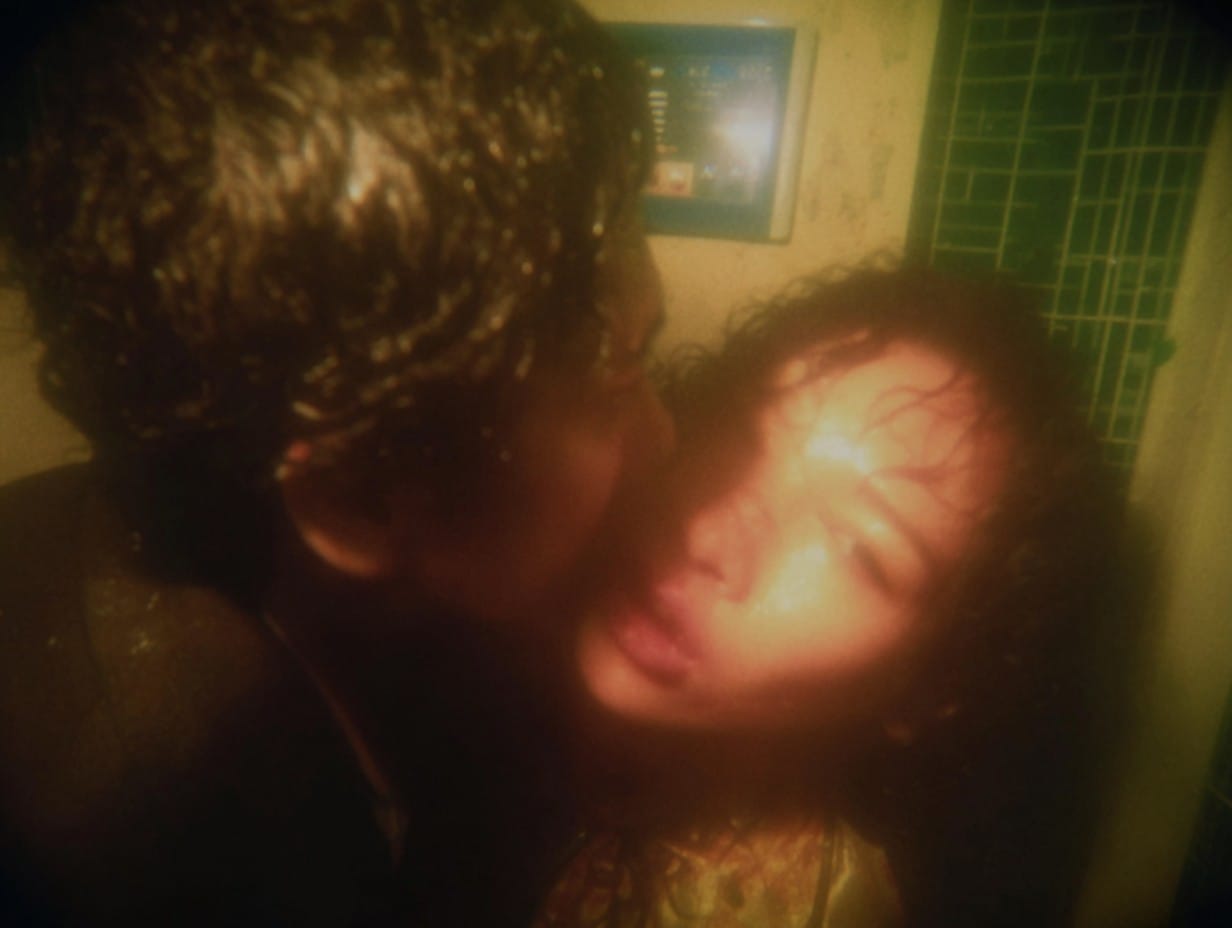
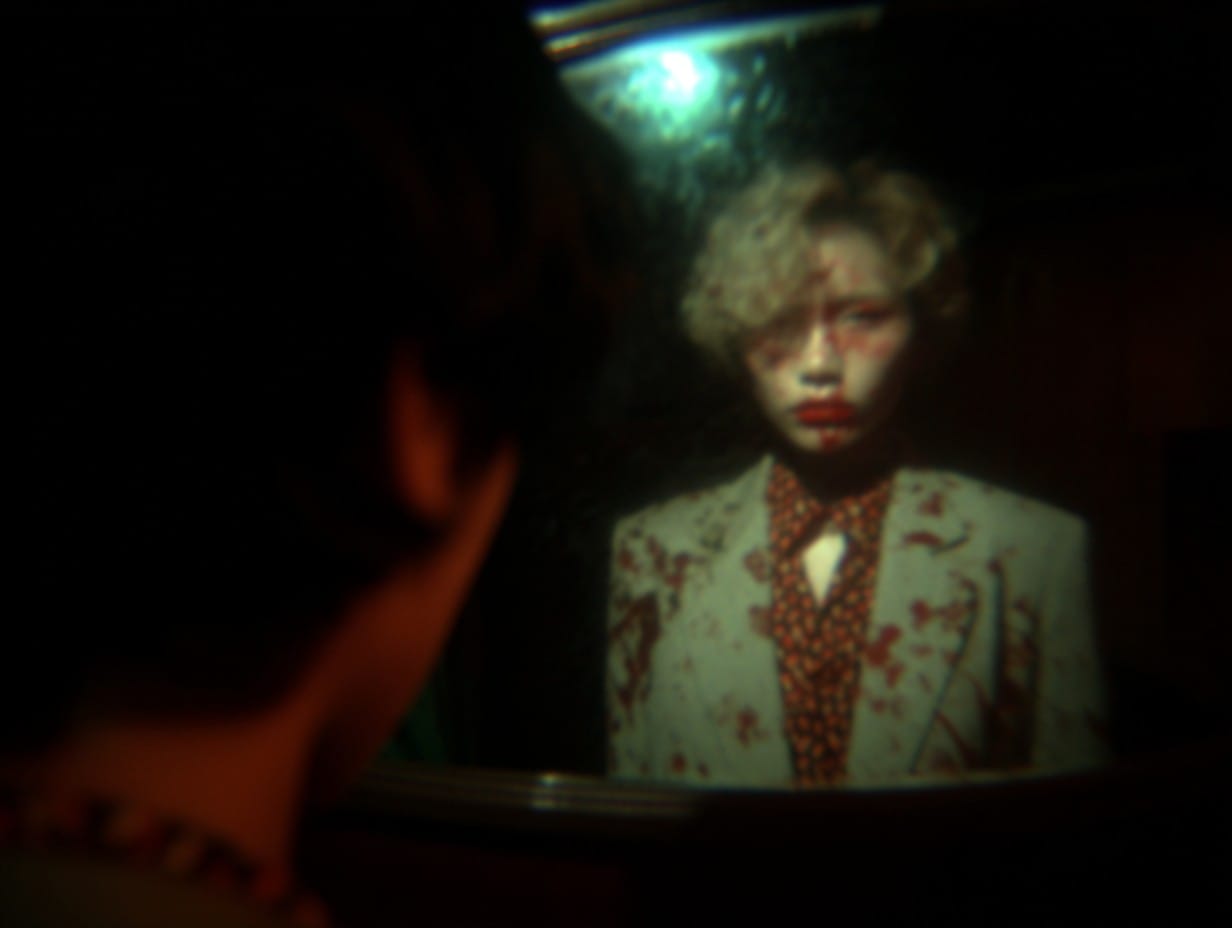
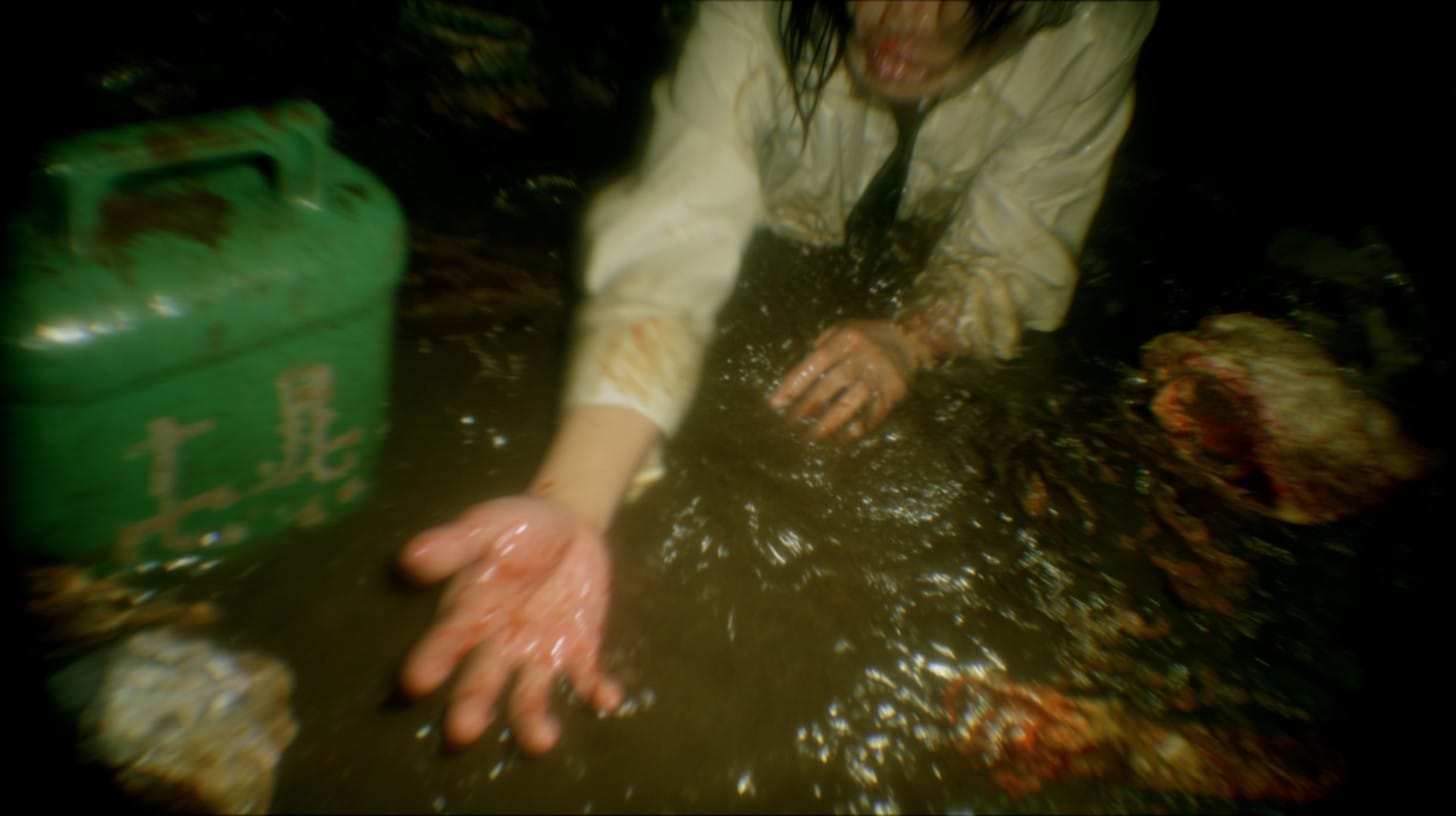
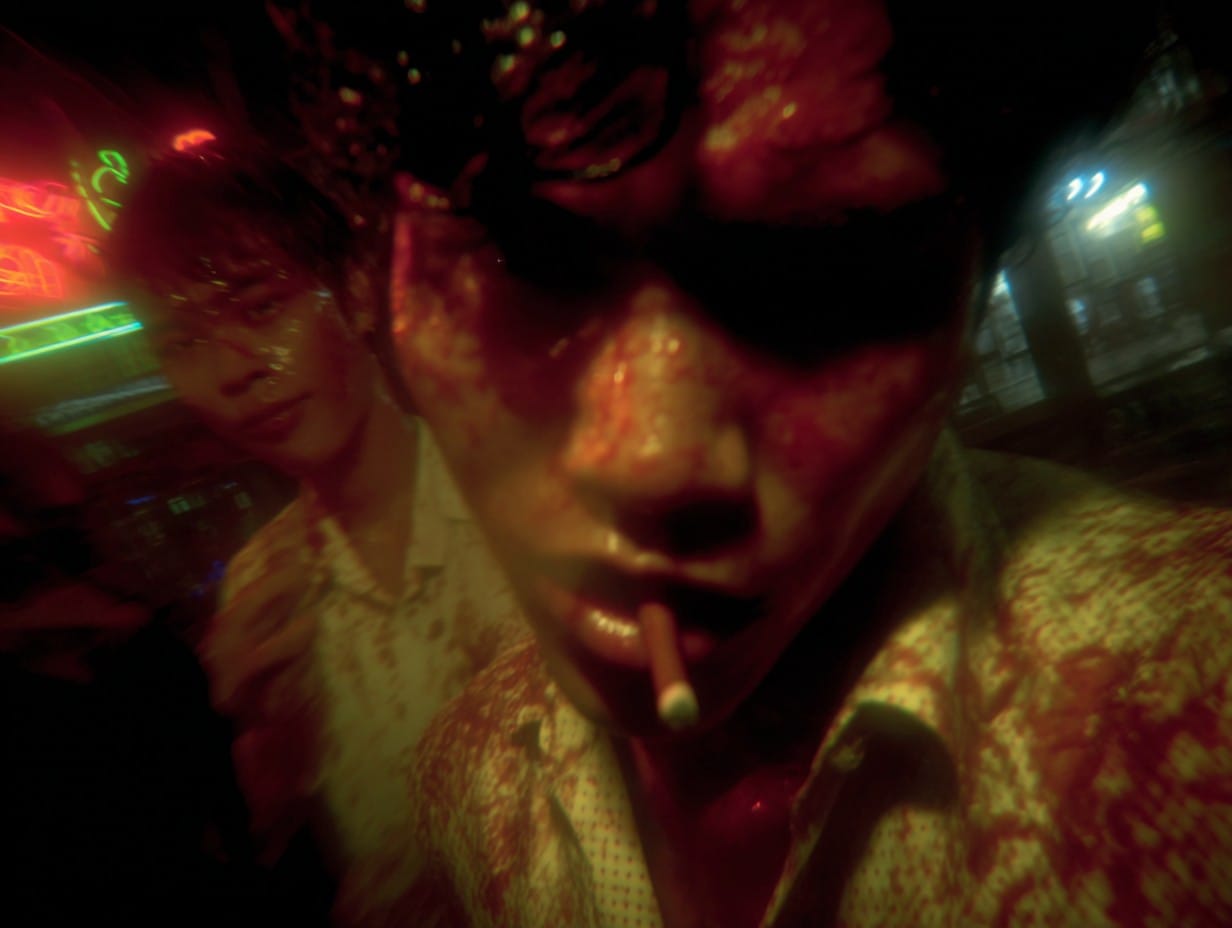
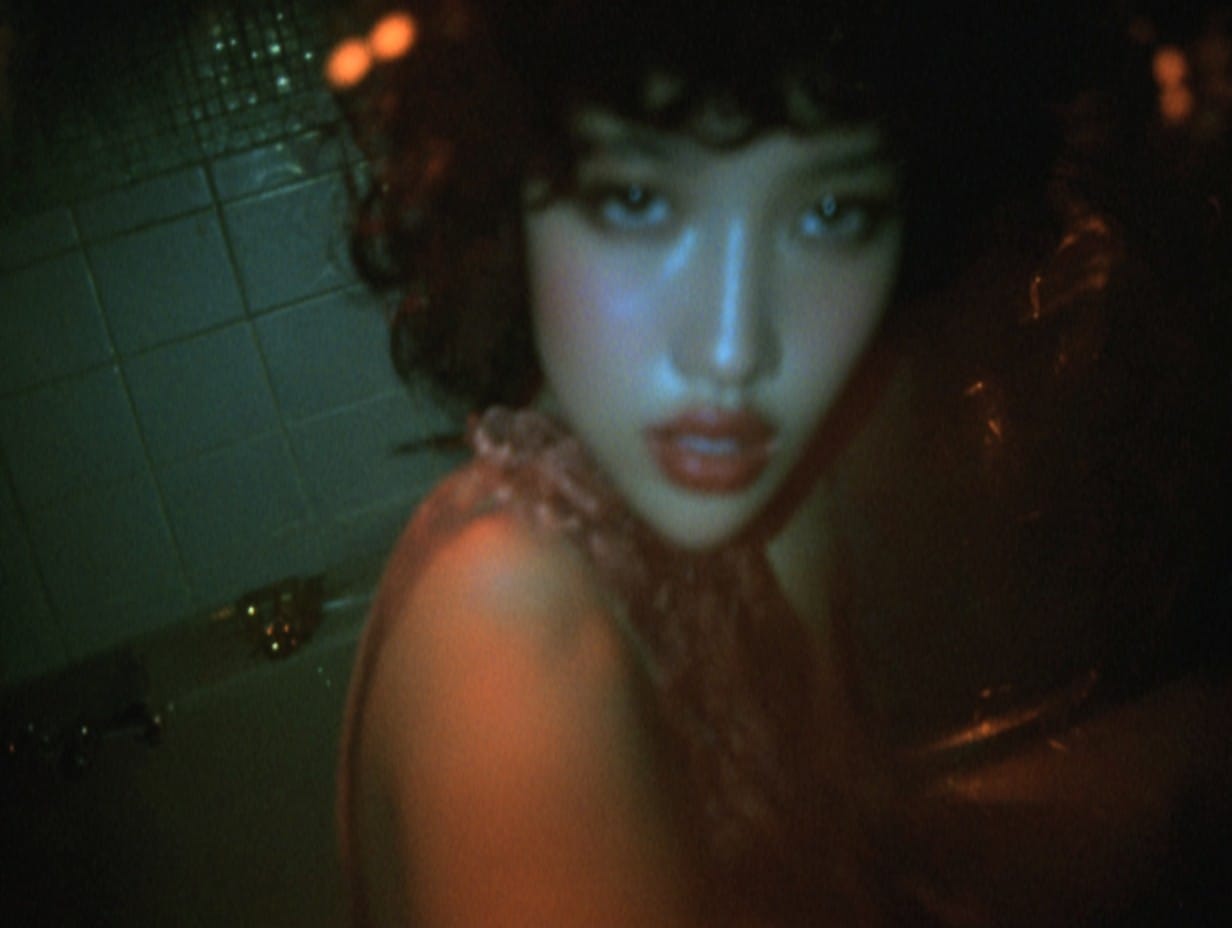
Apparently, Midjourney's interpretation of Fallen Angels is wet, bloody, and horrifying. Here is my theory of what's going on...
Fallen Angels was shot using diffusion filters similar to these. This gave the movie a bloomy, hazy look that I think Midjourney read as wetness. Every scene in the movie takes place at night and is full of dark shadows. They also shot in tight spaces using extreme wide-angle lenses. This might have given Midjourney a horror-film vibe? As for the blood, that could be related to one of the images included in the Moodboard:
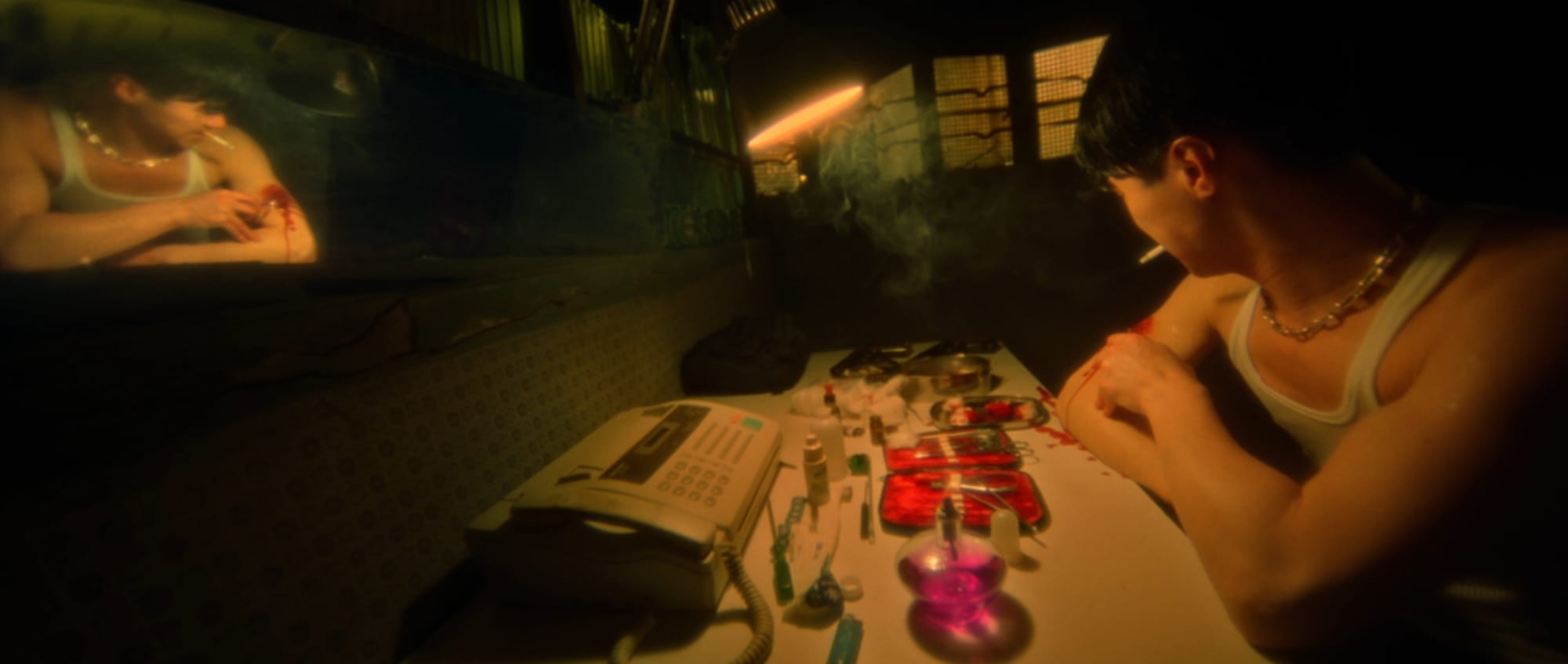
However, even after I removed this image from the set, Midjourney still occasionally produced strange scenes of blood smeared people or objects. So, I'm not sure.
I think it has become clear to people using AI that getting exactly what you want often involves unintuitive, indirect methods. I have a few ideas for Sub/Object's style, but I imagine teasing it out of Midjourney will require lots of iteration and luck.
Endless Video Content
As I grapple with the idea of using AI to make my movie, I'm imagining a world flooded with AI-generated media.
Here is a famous photograph of the setup for a shot in Once Upon a Time In Hollywood:
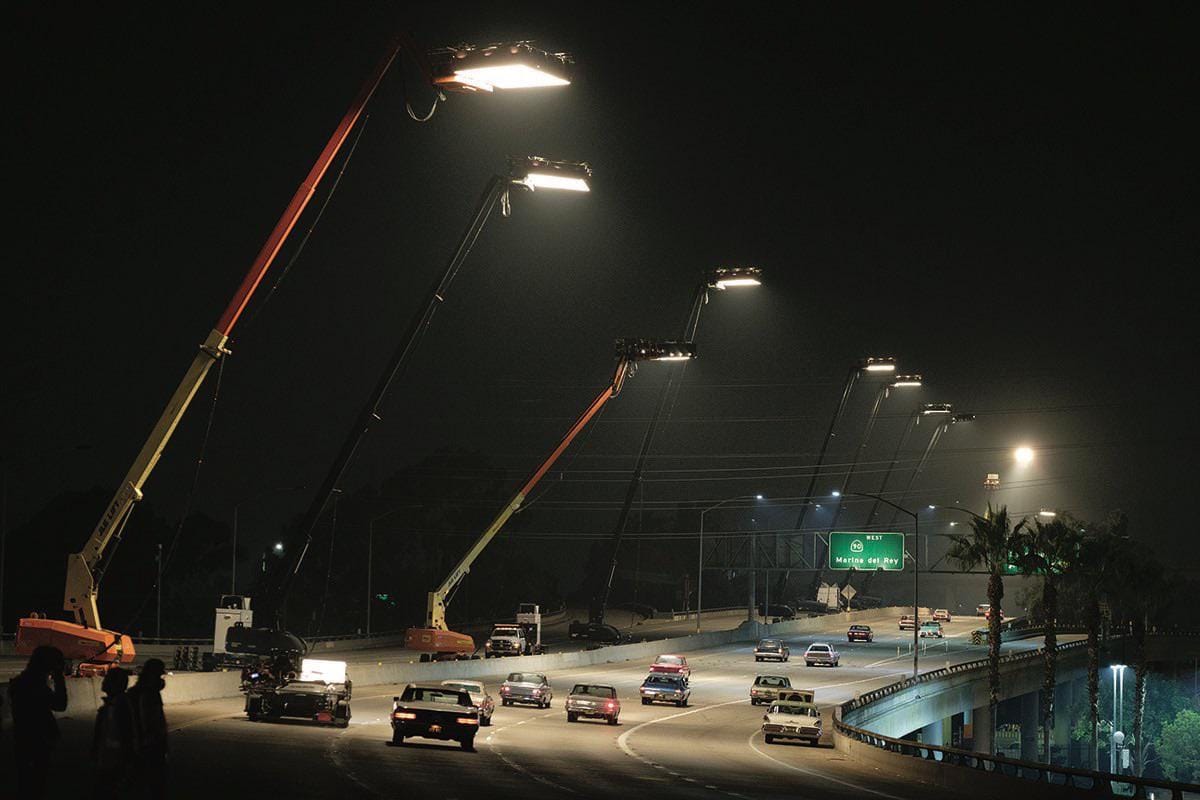
They shut down a stretch of highway, filled it with 1960's automobiles, and rigged those massive lights, all to capture a brief moment in the movie:
Productions like this are a special thing. But, if anyone can make scenes like this (or whatever else they imagine) in a few minutes on their personal computer, what is special about a movie like the one I'm working on?
This is similar subject-matter to a previous essay. If we assume that people will continue to place value on human effort, then my blog entries might be more interesting to others than a movie I made with AI-generated materials, simply because I write the blog myself. Obviously, a LLM could help with the blog, but I choose to write it myself because I enjoy it and there's nothing preventing me from doing it on my own. With this mindset, my work could center on written explorations of the Sub/Object world, and AI-generated media could be a supplement, like advertising.
The counter-point to this is that wherever gen-AI tools come up short, and they still fall short in many ways, humans will have space to add value. Well-written movies with good stories and innovative editing might remain rare.
I'm excited to keep exploring and experimenting, whether I end up making movies with AI or Unreal Engine or some combination of both. And, my writing can remain the wellspring of the characters and stories I imagine, regardless of the media I use to portray them.